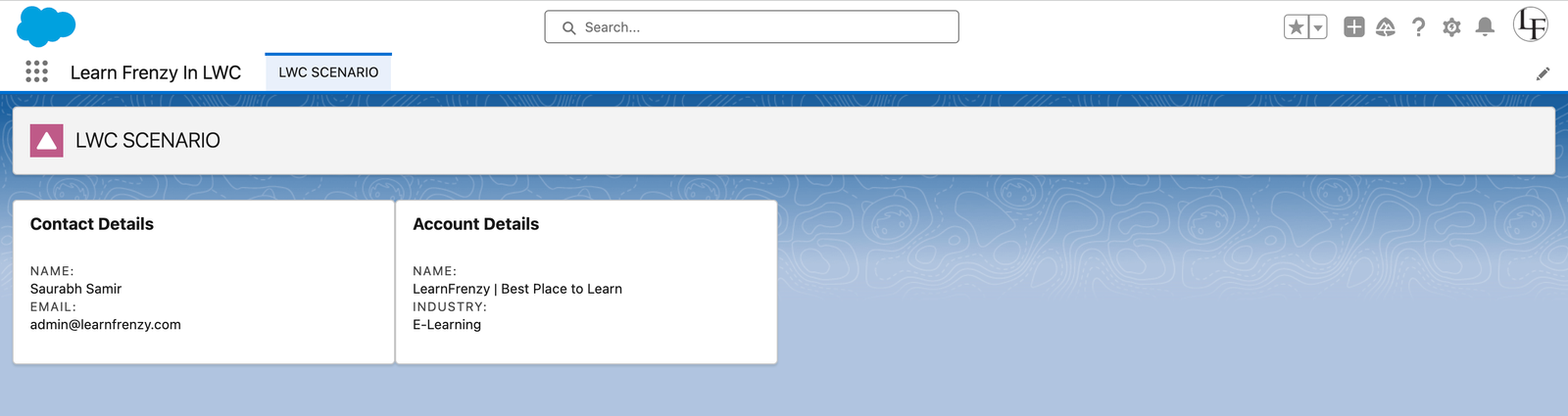
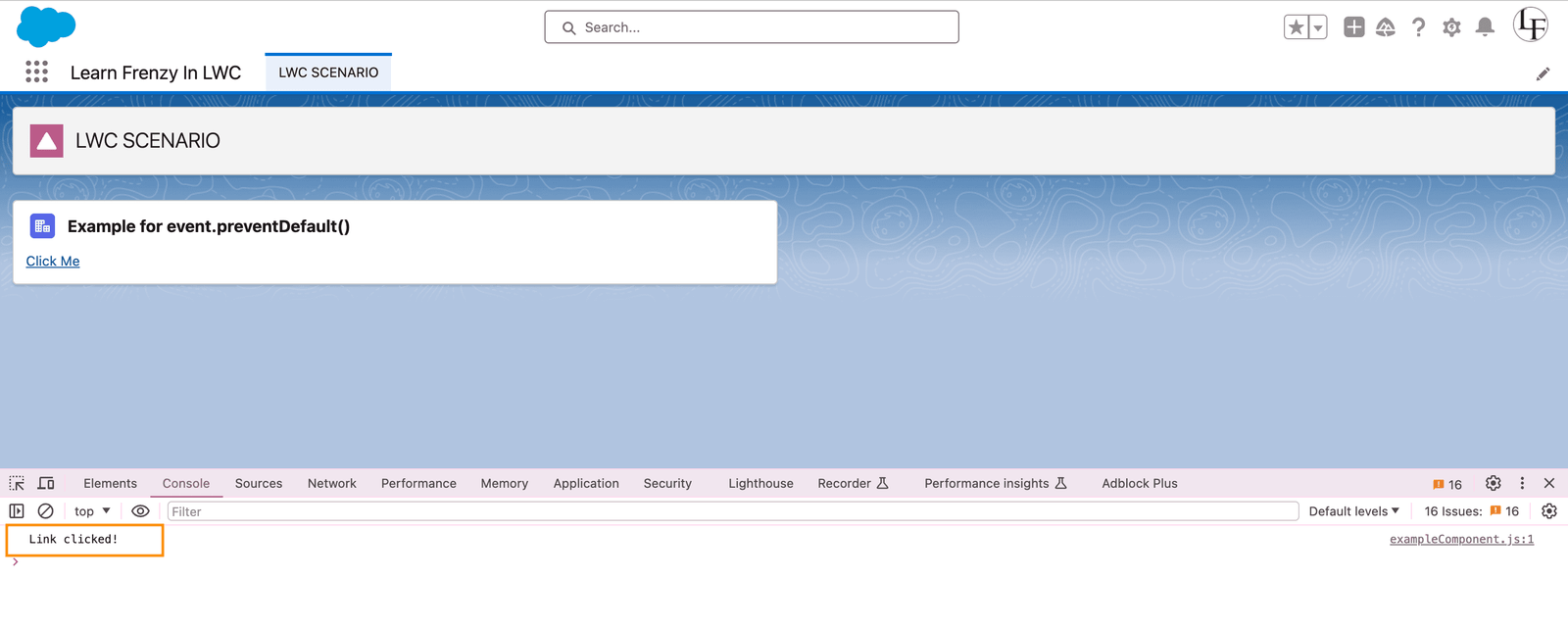
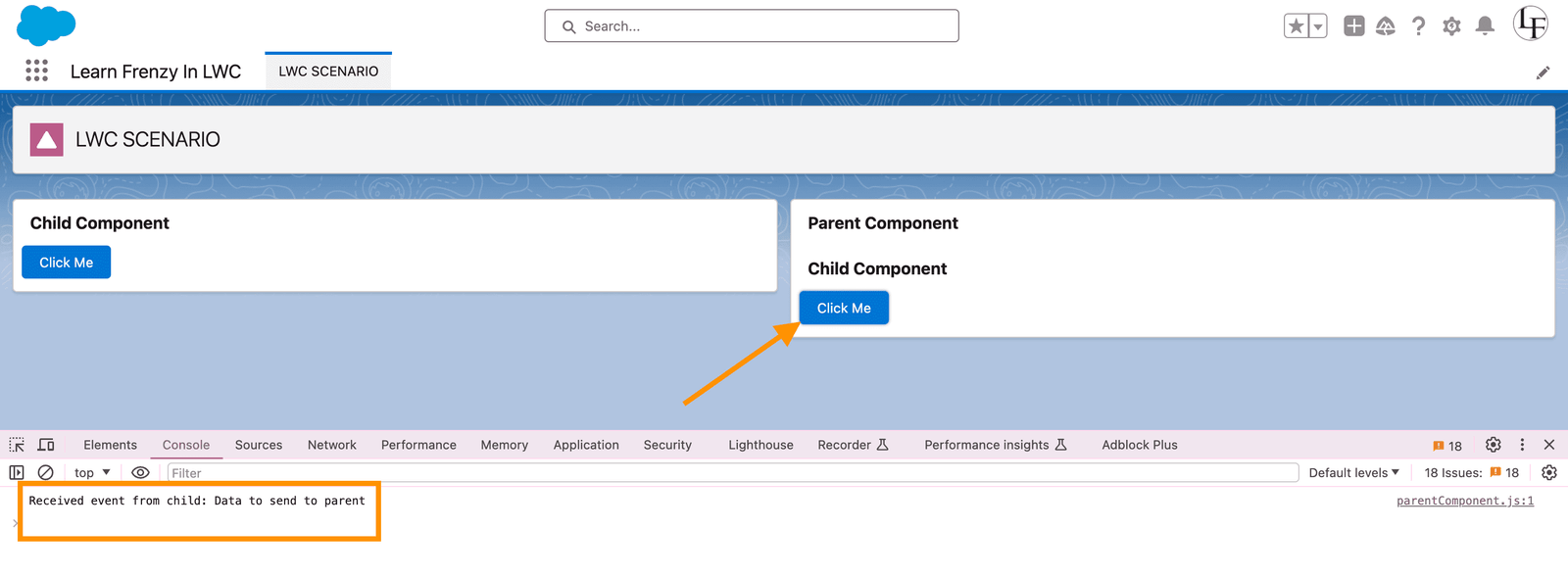
In Lightning Web Components (LWC), composition refers to the practice of combining smaller components to create complex user interfaces and reusable UI patterns. Components can be composed hierarchically, with parent components containing child components, allowing for modular and flexible UI development.
Example of Composition
Consider a scenario where we want to build a simple contact list component that displays a list of contacts. Each contact will be represented by a separate child component called contactListItem. We'll compose these contactListItem components within a parent component called contactList.
<template>
  <p class="slds-p-horizontal_small">Contact Name : {contact.Name}</p>
  <p class="slds-p-horizontal_small">Contact Email : {contact.Email}</p>
</template>
// contactListItem.js
import { LightningElement, api } from 'lwc';

export default class ContactListItem extends LightningElement {
    @api contact;
}
<template>
  <lightning-card title="Child Component" variant="narrow" icon-name="standard:contact">
    <div class="contact-list">
      <template for:each={contacts} for:item="contact">
        <c-contact-list-item key={contact.Id} contact={contact}></c-contact-list-item>
      </template>
    </div>
  </lightning-card>
</template>
// contactList.js
import { LightningElement, wire } from 'lwc';
import getContacts from '@salesforce/apex/ContactController.getContacts';

export default class ContactList extends LightningElement {
    contacts;

    @wire(getContacts)
    wiredContacts({ error, data }) {
        if (data) {
            this.contacts = data;
        } else if (error) {
            console.error('Error fetching contacts: ', error);
        }
    }
}
Below is the Apex class ContactController to support the example Lightning Web Component (LWC) scenario:
// Apex class (ContactController)
public with sharing class ContactController {

    @AuraEnabled(cacheable=true)
    public static List<contact> getContacts() {
        return [SELECT Id, Name, Email FROM Contact LIMIT 5]; // Example query to fetch contact records
    }
}
Output
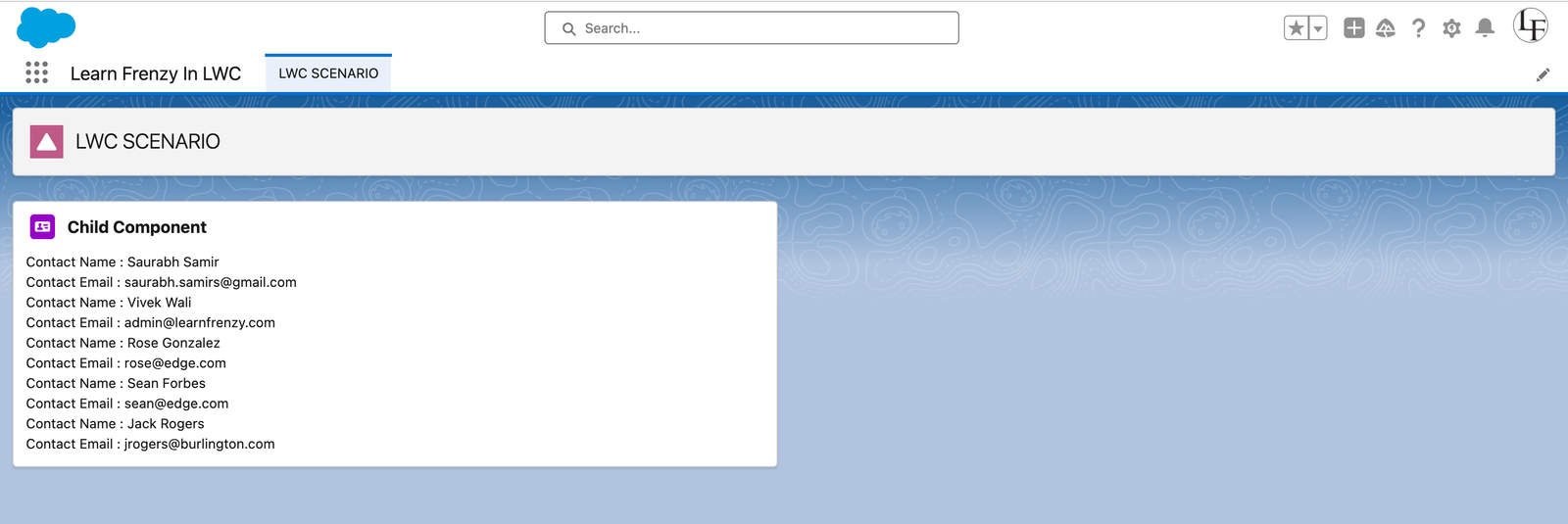
The contactList component will display a list of contacts retrieved from Salesforce using the @wire adapter. Each contact will be represented by a contactListItem component, which displays the contact's name and email address. The contactList component can be easily reused across different parts of the application to display lists of contacts wherever needed.
This example demonstrates how composition allows us to create modular, reusable components that can be combined to build complex user interfaces efficiently. Each component encapsulates specific functionality, making the code more maintainable, scalable, and easier to understand.
Benefits of Composition in LWC
- Code Reusability: Components can be reused across different parts of an application, promoting code reusability and reducing development time.
- Scalability: By breaking down the UI into smaller, reusable components, applications become more scalable and easier to maintain as they grow in complexity.
- Separation of Concerns: Composition encourages the separation of concerns, where each component is responsible for a specific aspect of the UI or functionality. This separation makes the codebase easier to understand, test, and maintain.
- Consistency: By using consistent UI patterns and components across the application, developers can ensure a consistent user experience, leading to better usability and user satisfaction.


 Interview Series